



A month grid you can place right in a page for inline date selection. It follows the language of your users and supports keyboard navigation.
Why it helps
- Inline date selection
- Keyboard navigation
- Marked and disabled days
Where it fits
- Booking pages
- Dashboards
- Date filters
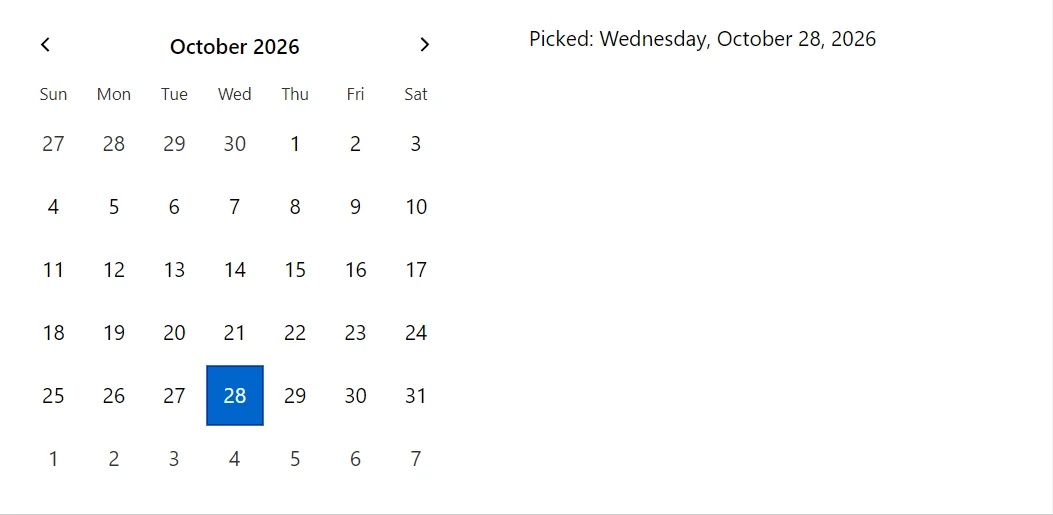
Example
<Stack Spacing="8" Wrap>
    <div style="width:19rem">
        <Calendar Value="_date" OnPick="@(d => _date = d)" />
    </div>
    <span>Picked: @_date?.ToLongDateString()</span>
</Stack>

@code {
    private DateTime? _date = DateTime.Today;
}
A short fragment. Add @using RayCraft.Blazor.Components to your page and use an interactive render mode.
Included in RayCraft Free. Working examples are in the GitHub repository (MIT); it holds example and demo code, not the library code.