



Forms and inputs
Fields, pickers and validation that work with Blazor forms.
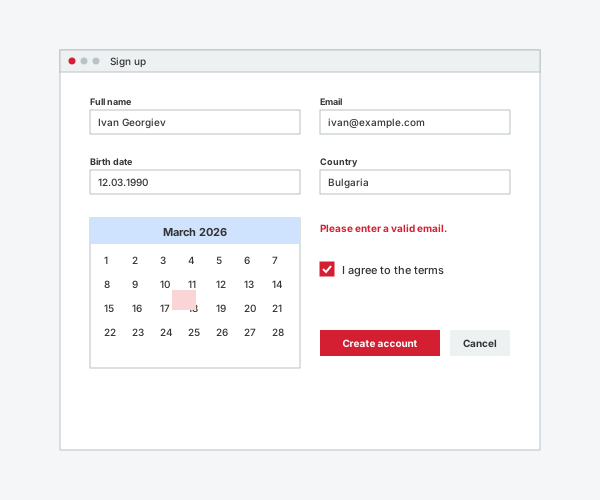
Text and number fields, drop-downs, date and time pickers, sliders, file upload and more, all working with EditForm and data annotations. Errors appear next to the field and in one summary, and a whole form can be locked with a single setting.
- Date and time pickers in the user's language
- Validation summary
- Form layout
- Disabled and read-only scopes
Navigation and layout
Menus, tabs, drawers, grids and panels for real applications.
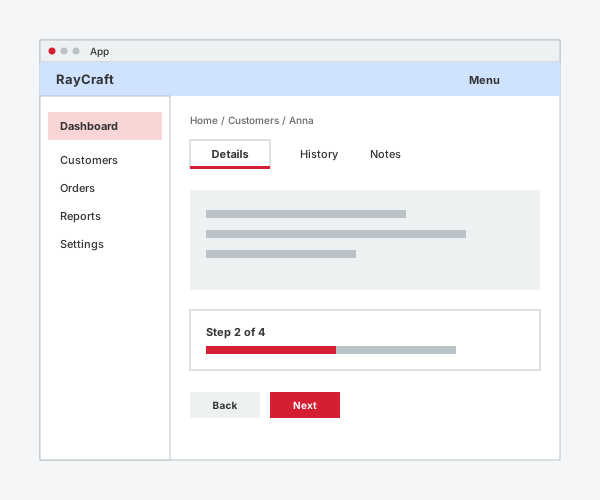
App bars, side navigation, tabs, steppers and wizards, breadcrumbs and menus, plus layout parts such as grid, stack, cards, splitters and accordions. They adapt from wide desktops to small phones.
- Responsive layouts
- Keyboard friendly menus and tabs
- Icon rail drawer
- Context menus
Dialogs and feedback
Say what happened, and ask when it matters.
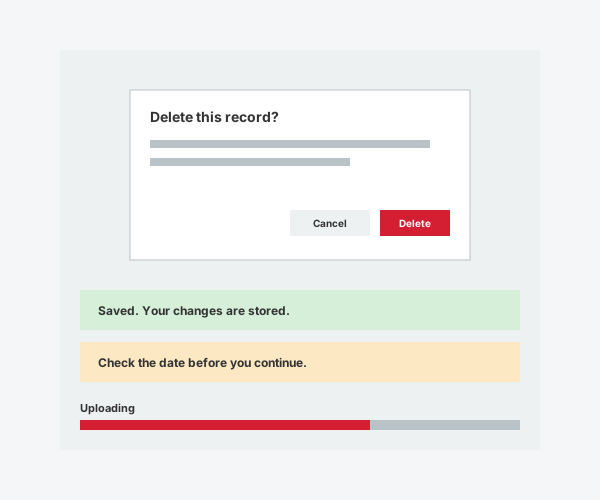
Dialogs that handle focus for you, snackbars, alerts, progress indicators, loading placeholders and result pages keep users informed without getting in their way.
- Confirm and prompt dialogs
- Snackbars and alerts
- Progress and loading states
- Tours for new users
Content and display
Show text, images, codes and records clearly.
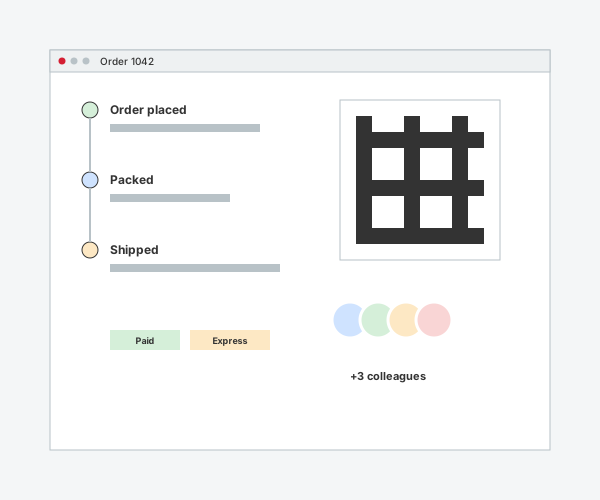
Typography, avatars, timelines, descriptions, Markdown, code blocks, QR codes and barcodes, image galleries and activity feeds turn your data into pages people enjoy reading.
- Markdown with safe links
- QR codes and barcodes without image services
- Timelines and activity feeds
- Image gallery with full-screen viewer
Themes and languages
One consistent look, in your users' language.
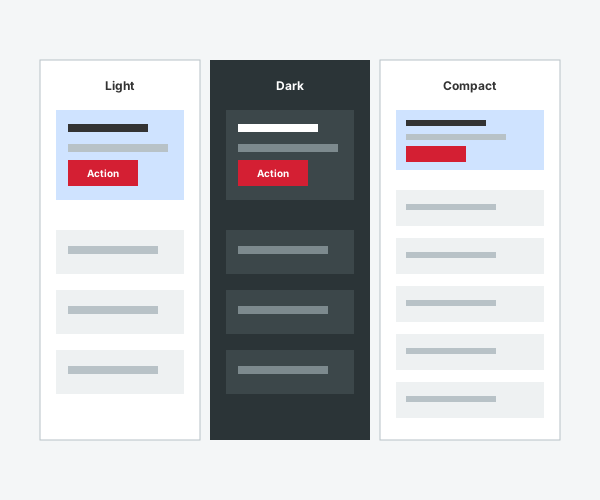
Light, dark and softer palettes, a compact density, English and Bulgarian texts and your own brand palette. Themes switch without reloading the page.
- Light and dark themes
- Compact density
- English and Bulgarian
- Pastel or classic palette
Documentation that AI assistants can read
Plain names, plain text, one page per control.
RayCraft has no AI features of its own. Its documentation is written to be read by AI coding assistants as well as by people: descriptive control names, a summary and a short example on each control page, and an llms.txt index of the whole catalog.
- Descriptive control names
- One page per control
- llms.txt index
- Structured data on every page
Coming with RayCraft Complete
More controls for data, charts and documents.
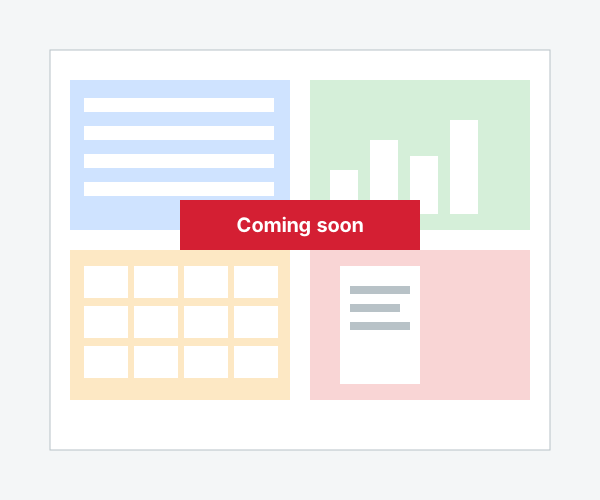
RayCraft Complete adds data grids, charts, scheduling, workspace and diagram controls and Office controls such as the PDF viewer, document editor and spreadsheet. It is coming soon.
- Data grids and charts
- Scheduler and Gantt
- PDF, documents and spreadsheet
- Coming soon