



A clean container that groups related content with an optional header and footer.
Why it helps
- Header and footer
- Flat look
- Flexible content
Where it fits
- Dashboards
- Product listings
- Settings groups
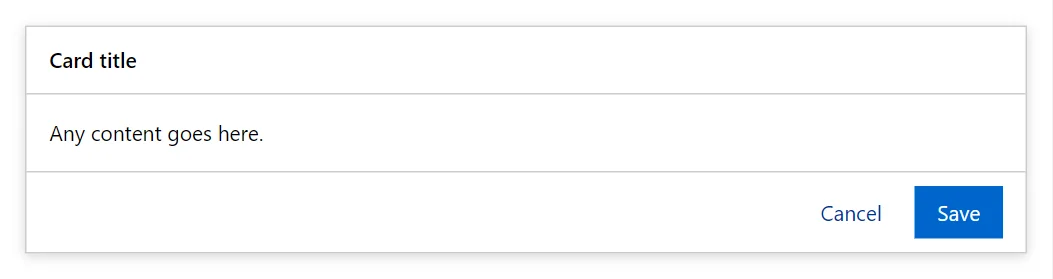
Example
<Card Elevated>
    <Header>Card title</Header>
    <ChildContent>Any content goes here.</ChildContent>
    <Footer>
        <Button Variant="Variant.Text">Cancel</Button>
        <Button>Save</Button>
    </Footer>
</Card>
A short fragment. Add @using RayCraft.Blazor.Components to your page and use an interactive render mode.
Included in RayCraft Free. Working examples are in the GitHub repository (MIT); it holds example and demo code, not the library code.