



Turn chips into filters. ChipSet lets users select one chip, or several when you allow it.
Why it helps
- Single or multiple choice
- Great for filters
- Same look as Chip
Where it fits
- Category filters
- Quick options
- Tag selection
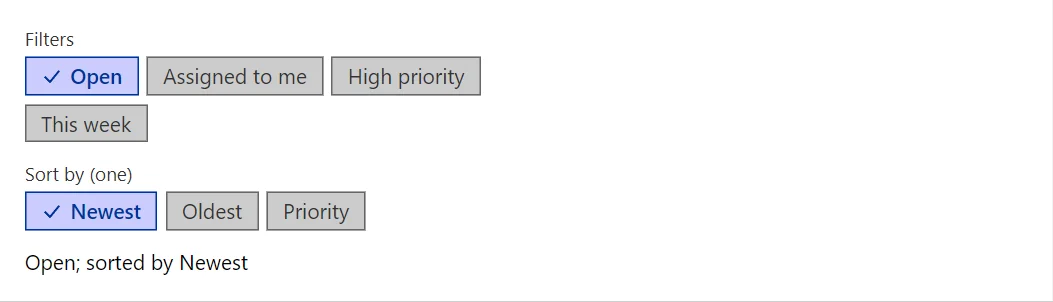
Example
<ChipSet TValue="string" Label="Filters" Items="_filters" Multiple="true" @bind-Values="_selected" />
<ChipSet TValue="string" Label="Sort by (one)" Items="_sorts" @bind-Value="_sort" />
<span>@string.Join(", ", _selected); sorted by @_sort</span>

@code {
    private readonly string[] _filters = ["Open", "Assigned to me", "High priority", "This week"];
    private readonly string[] _sorts = ["Newest", "Oldest", "Priority"];
    private IReadOnlyCollection<string> _selected = new List<string> { "Open" };
    private string _sort = "Newest";
}
A short fragment. Add @using RayCraft.Blazor.Components to your page and use an interactive render mode.
Included in RayCraft Free. Working examples are in the GitHub repository (MIT); it holds example and demo code, not the library code.