



Keep content at a comfortable reading width on every screen. The width follows the layout breakpoints.
Why it helps
- Centered content
- Breakpoint widths
- Simple
Where it fits
- Page content
- Landing pages
- Dashboards
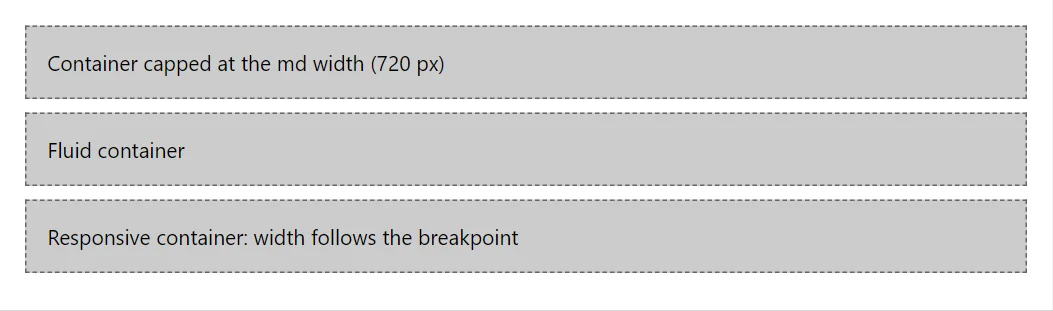
Example
<Container MaxWidth="Breakpoint.Md" Class="doc-demo-box">Container capped at the md width (720 px)</Container>
<Container Fluid="true" Class="doc-demo-box">Fluid container</Container>
<Container Class="doc-demo-box">Responsive container: width follows the breakpoint</Container>
A short fragment. Add @using RayCraft.Blazor.Components to your page and use an interactive render mode.
Included in RayCraft Free. Working examples are in the GitHub repository (MIT); it holds example and demo code, not the library code.