



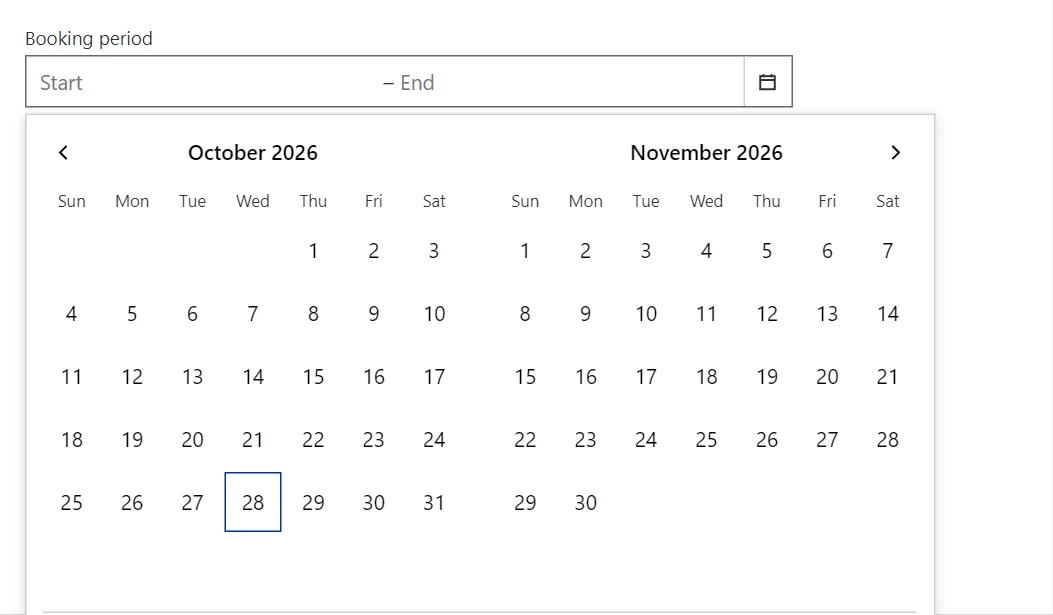
Pick a period on one calendar showing two months side by side, with quick ranges for the common cases.
Why it helps
- Two months at a glance
- Quick ranges
- Start and end in one field
Where it fits
- Reports and filters
- Holiday booking
- Statistics periods
Example
<DateTimeRangePicker @bind-Value="_range" ShowPresets="true" IncludeTime="false" Label="Period" />
<span>@(_range.Start?.ToString("d") ?? "–") to @(_range.End?.ToString("d") ?? "–")</span>

@code {
    private DateTimeRange _range;
}
A short fragment. Add @using RayCraft.Blazor.Components to your page and use an interactive render mode.
Included in RayCraft Free. Working examples are in the GitHub repository (MIT); it holds example and demo code, not the library code.