



Turn an empty page into a helpful next step with an icon, an explanation and optional actions.
Why it helps
- Icon and message
- Optional actions
- Friendly
Where it fits
- New accounts
- No results
- Empty lists
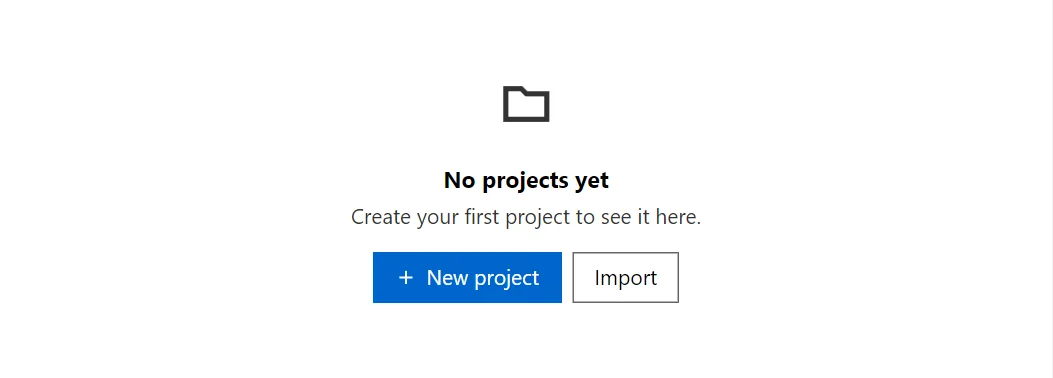
Example
<EmptyState Title="No projects yet" Icon="IconName.Folder">
    <ChildContent>Create your first project to see it here.</ChildContent>
    <Actions>
        <Button StartIcon="IconName.Add">New project</Button>
        <Button Variant="Variant.Outlined">Import</Button>
    </Actions>
</EmptyState>
A short fragment. Add @using RayCraft.Blazor.Components to your page and use an interactive render mode.
Included in RayCraft Free. Working examples are in the GitHub repository (MIT); it holds example and demo code, not the library code.