



A drop zone and a file picker in one. FileUpload checks size, type and count, lists the accepted files and tells your code when the list changes.
Why it helps
- Drag and drop or pick
- Size, type and count checks
- Accepted files listed
Where it fits
- Attachments
- Document submission
- Image uploads
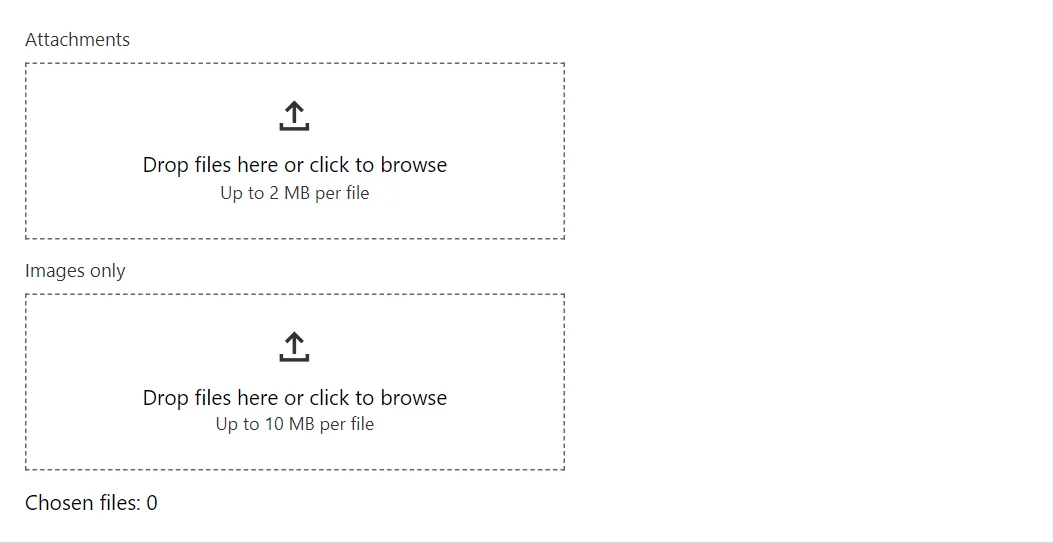
Example
<FileUpload Label="Attachments" Multiple="true" MaxFiles="3" MaxFileSize="2097152" FilesChanged="OnFiles" />
<FileUpload Label="Images only" Accept="image/*,.svg" FilesChanged="OnFiles" />
<span>Chosen files: @_count</span>

@code {
    private int _count;

    private void OnFiles(IReadOnlyList<IBrowserFile> files) => _count = files.Count;
}
A short fragment. Add @using RayCraft.Blazor.Components to your page and use an interactive render mode.
Included in RayCraft Free. Working examples are in the GitHub repository (MIT); it holds example and demo code, not the library code.