



A twelve-column grid where each item sets its width on every screen and changes it at larger breakpoints.
Why it helps
- Twelve columns
- Breakpoint widths
- Responsive
Where it fits
- Dashboards
- Galleries
- Page layouts
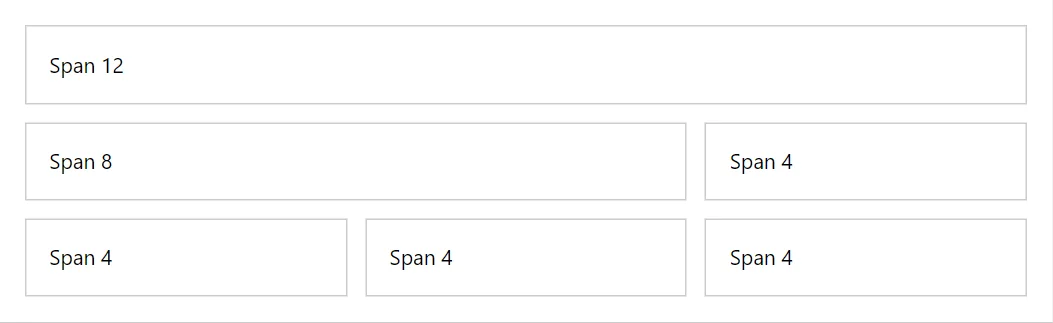
Example
<Grid Spacing="3">
    <GridItem Span="12"><Card><ChildContent>Span 12</ChildContent></Card></GridItem>
    <GridItem Span="8"><Card><ChildContent>Span 8</ChildContent></Card></GridItem>
    <GridItem Span="4"><Card><ChildContent>Span 4</ChildContent></Card></GridItem>
    <GridItem Span="4"><Card><ChildContent>Span 4</ChildContent></Card></GridItem>
    <GridItem Span="4"><Card><ChildContent>Span 4</ChildContent></Card></GridItem>
    <GridItem Span="4"><Card><ChildContent>Span 4</ChildContent></Card></GridItem>
</Grid>
A short fragment. Add @using RayCraft.Blazor.Components to your page and use an interactive render mode.
Included in RayCraft Free. Working examples are in the GitHub repository (MIT); it holds example and demo code, not the library code.