



A grid of thumbnails that opens into a full-screen viewer with previous and next buttons.
Why it helps
- Thumbnails to full screen
- Keyboard support
- Simple
Where it fits
- Products
- Portfolios
- Albums
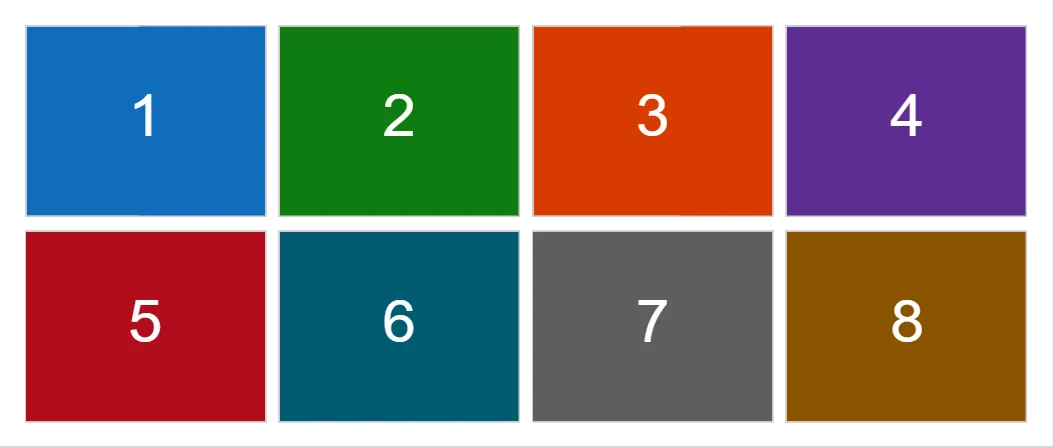
Example
<ImageGallery Images="_images" MinSize="9rem" />

@code {
    private readonly GalleryImage[] _images = Enumerable.Range(1, 8).Select(i => Make(i)).ToArray();

    private static GalleryImage Make(int i)
    {
        var colors = new[] { "0F6CBD", "107C10", "D83B01", "5C2D91", "B10E1C", "005B70", "605E5C", "8A5300" };
        var svg = $"<svg xmlns='http://www.w3.org/2000/svg' width='800' height='500'><rect width='800' height='500' fill='#{colors[i - 1]}'/><text x='400' y='290' font-size='160' fill='#fff' text-anchor='middle' font-family='sans-serif'>{i}</text></svg>";
        var src = "data:image/svg+xml;charset=utf-8," + Uri.EscapeDataString(svg);
        return new GalleryImage(src, $"Sample image {i}", $"Sample image {i} of 8");
    }
}
A short fragment. Add @using RayCraft.Blazor.Components to your page and use an interactive render mode.
Included in RayCraft Free. Working examples are in the GitHub repository (MIT); it holds example and demo code, not the library code.