



Vertical navigation that highlights the current page and groups links in collapsible sections.
Why it helps
- Active page highlighted
- Collapsible groups
- Works in the drawer
Where it fits
- Admin areas
- Documentation
- Dashboards
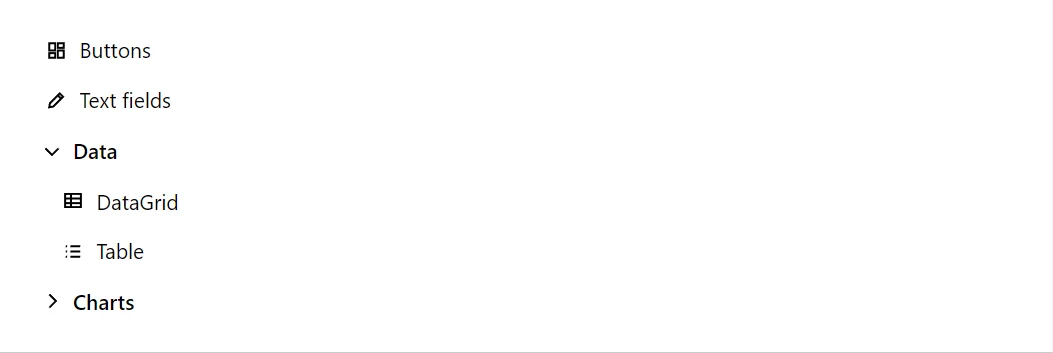
Example
<NavMenu Label="Sections" Style="max-width:16rem">
    <NavItem Href="components/button" Icon="IconName.Dashboard">Buttons</NavItem>
    <NavItem Href="components/textfield" Icon="IconName.Edit">Text fields</NavItem>
    <NavGroup Title="Data" Expanded="true">
        <NavItem Href="components/datagrid" Icon="IconName.Table">DataGrid</NavItem>
        <NavItem Href="components/table" Icon="IconName.List">Table</NavItem>
    </NavGroup>
    <NavGroup Title="Charts">
        <NavItem Href="components/linechart" Icon="IconName.ChartLine">LineChart</NavItem>
        <NavItem Href="components/barchart" Icon="IconName.ChartBar">BarChart</NavItem>
    </NavGroup>
</NavMenu>
A short fragment. Add @using RayCraft.Blazor.Components to your page and use an interactive render mode.
Included in RayCraft Free. Working examples are in the GitHub repository (MIT); it holds example and demo code, not the library code.