



Numbers deserve a proper input. NumericField accepts any numeric type, including nullable ones, and keeps the value inside the limits you set.
Why it helps
- Any numeric type, nullable too
- Minimum and maximum respected
- Fits EditForm validation
Where it fits
- Quantities and prices
- Age or count fields
- Settings with limits
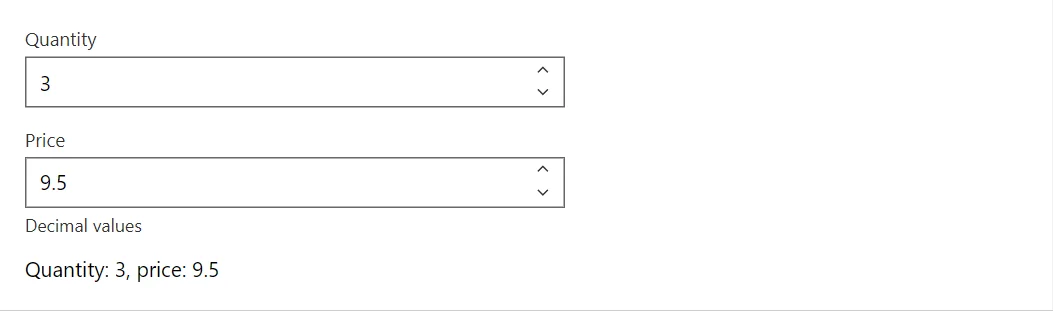
Example
<NumericField @bind-Value="_quantity" Label="Quantity" Min="0" Max="10" />
<NumericField @bind-Value="_price" Label="Price" Step="0.5" HelperText="Decimal values" />
<span>Quantity: @_quantity, price: @_price</span>

@code {
    private int _quantity = 3;
    private decimal _price = 9.5m;
}
A short fragment. Add @using RayCraft.Blazor.Components to your page and use an interactive render mode.
Included in RayCraft Free. Working examples are in the GitHub repository (MIT); it holds example and demo code, not the library code.