



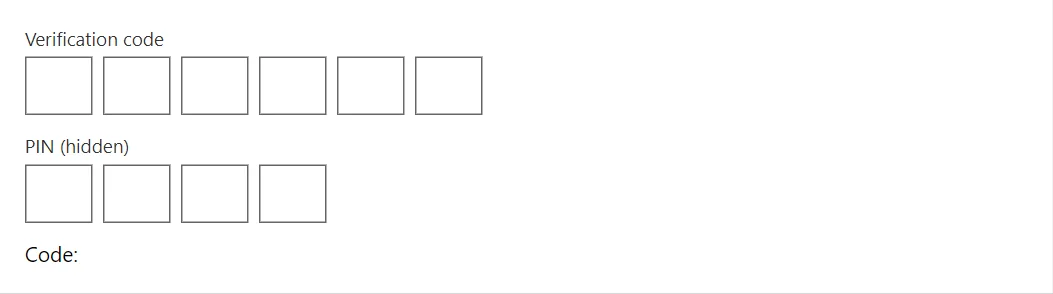
Verification codes should be quick to enter. OtpInput shows one box per character, moves forward as you type, steps back on Backspace and accepts a pasted code.
Why it helps
- One box per character
- Smooth typing and pasting
- Familiar verification-code look
Where it fits
- Two-step sign-in
- Email and phone confirmation
- Delivery codes
Example
<OtpInput @bind-Value="_code" Label="Verification code" Length="6" Completed="@(code => _done = code)" />
<OtpInput Label="PIN (hidden)" Length="4" Mask="true" />
<span>Code: @(_code ?? "") @(_done is null ? "" : "(complete)")</span>

@code {
    private string? _code;
    private string? _done;
}
A short fragment. Add @using RayCraft.Blazor.Components to your page and use an interactive render mode.
Included in RayCraft Free. Working examples are in the GitHub repository (MIT); it holds example and demo code, not the library code.