



Dim the page to focus attention, or only a part of it, and place content such as a spinner on top.
Why it helps
- Whole page or a region
- Content on top
- Simple
Where it fits
- Loading
- Modal focus
- Previews
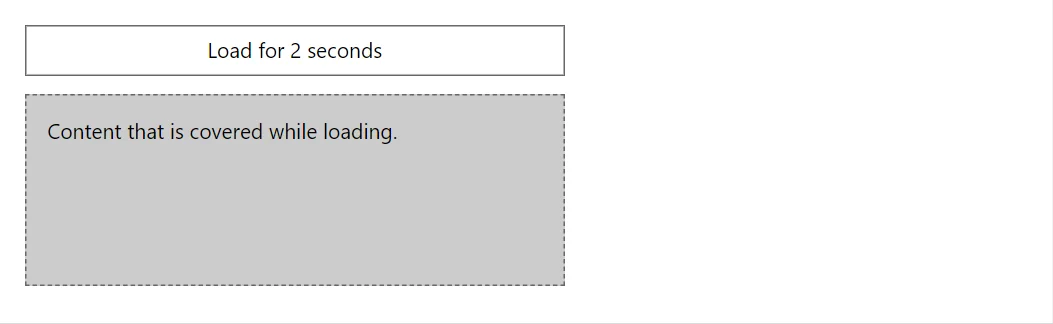
Example
<Button Variant="Variant.Outlined" OnClick="Run">Load for 2 seconds</Button>
<div style="position:relative;min-height:8rem" class="doc-demo-box">
    Content that is covered while loading.
    <Overlay Visible="_busy" Absolute="true"><Stack Align="center"><Spinner /><span>Loading…</span></Stack></Overlay>
</div>

@code {
    private bool _busy;

    private async Task Run()
    {
        _busy = true;
        StateHasChanged();
        await Task.Delay(2000);
        _busy = false;
    }
}
A short fragment. Add @using RayCraft.Blazor.Components to your page and use an interactive render mode.
Included in RayCraft Free. Working examples are in the GitHub repository (MIT); it holds example and demo code, not the library code.