



A titled section that can collapse and carry its own actions in the header.
Why it helps
- Collapse button
- Header actions
- Titled
Where it fits
- Settings sections
- Filters
- Dashboards
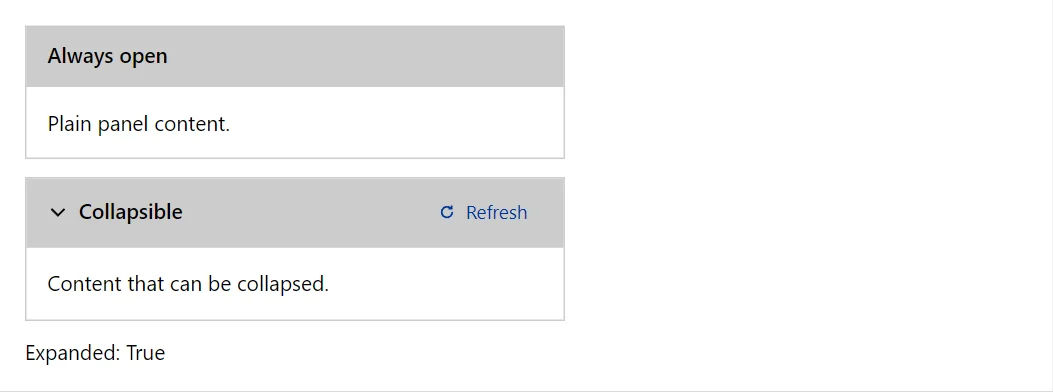
Example
<Panel Title="Always open">Plain panel content.</Panel>
<Panel Title="Collapsible" Collapsible="true" @bind-Expanded="_open">
    <Actions><Button Variant="Variant.Text" Size="Size.Small" StartIcon="IconName.Refresh">Refresh</Button></Actions>
    <ChildContent>Content that can be collapsed.</ChildContent>
</Panel>
<span>Expanded: @_open</span>

@code {
    private bool _open = true;
}
A short fragment. Add @using RayCraft.Blazor.Components to your page and use an interactive render mode.
Included in RayCraft Free. Working examples are in the GitHub repository (MIT); it holds example and demo code, not the library code.