



One clear choice from a short list. Use a list of items for simple cases, or individual radios when each option needs its own content.
Why it helps
- One choice, clearly shown
- Simple or custom options
- Accessible group
Where it fits
- Shipping method
- Yes, no, maybe
- Plan selection
Example
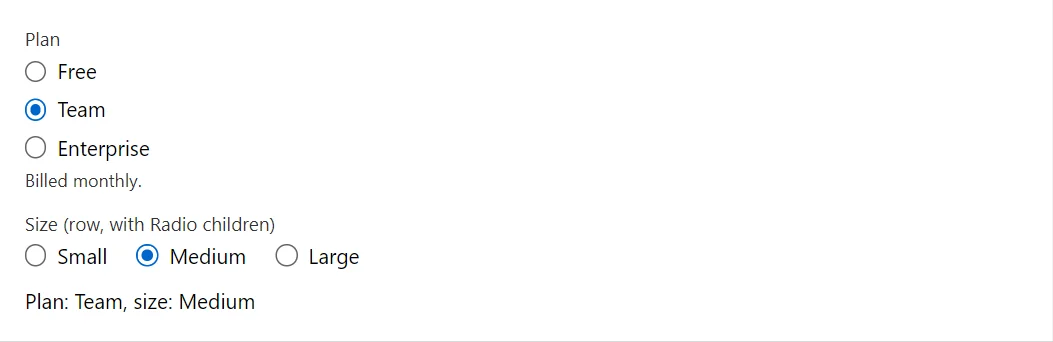
<RadioGroup @bind-Value="_plan" Label="Plan" Items="_plans" HelperText="Billed monthly." />
<RadioGroup @bind-Value="_size" Label="Size (row, with Radio children)" Direction="StackDirection.Row">
    <Radio Value="Size.Small" Label="Small" />
    <Radio Value="Size.Medium" Label="Medium" />
    <Radio Value="Size.Large" Label="Large" />
</RadioGroup>
<span>Plan: @_plan, size: @_size</span>

@code {
    private readonly string[] _plans = ["Free", "Team", "Enterprise"];
    private string _plan = "Team";
    private Size _size = Size.Medium;
}
A short fragment. Add @using RayCraft.Blazor.Components to your page and use an interactive render mode.
Included in RayCraft Free. Working examples are in the GitHub repository (MIT); it holds example and demo code, not the library code.