



A full-page message for an outcome: success, error, information, warning, page not found, no access.
Why it helps
- Common outcomes ready
- Icon and actions
- Friendly
Where it fits
- After checkout
- 404 pages
- Access denied
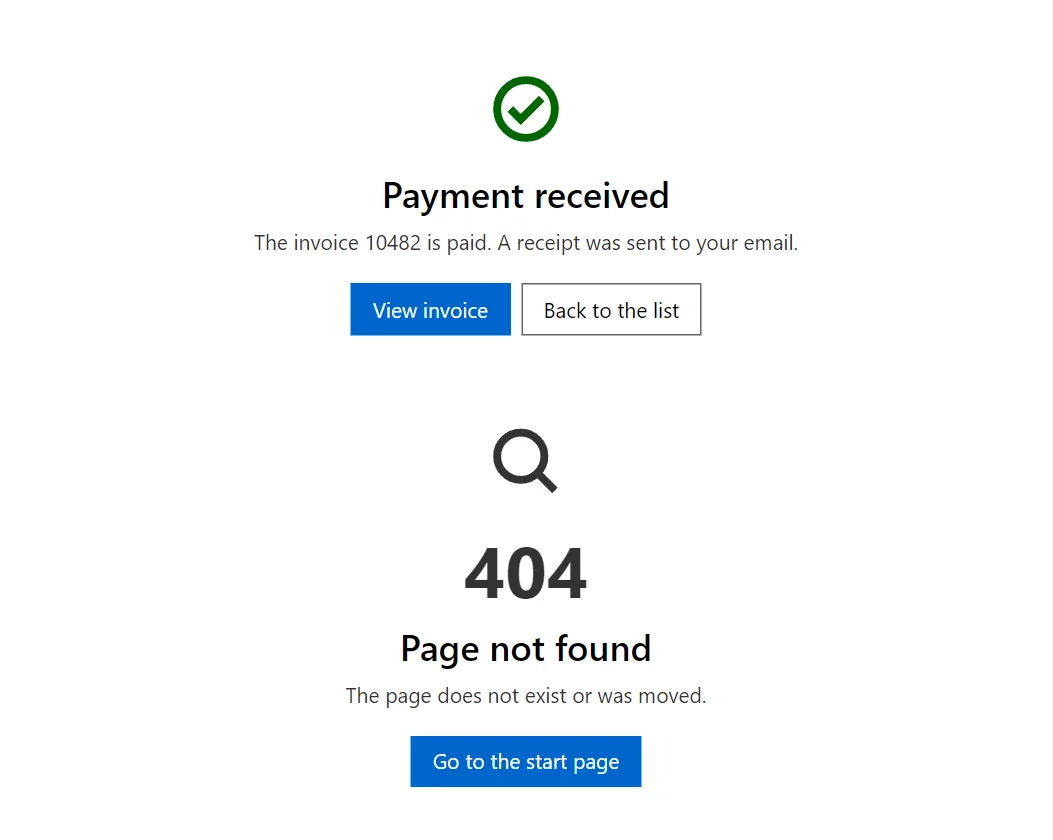
Example
<ResultPage Status="ResultStatus.Success" Title="Payment received" Description="The invoice 10482 is paid. A receipt was sent to your email.">
    <Actions>
        <Button>View invoice</Button>
        <Button Variant="Variant.Outlined">Back to the list</Button>
    </Actions>
</ResultPage>
<ResultPage Status="ResultStatus.NotFound">
    <Actions>
        <Button>Go to the start page</Button>
    </Actions>
</ResultPage>
<ResultPage Status="ResultStatus.Forbidden" />
<ResultPage Status="ResultStatus.ServerError" />
A short fragment. Add @using RayCraft.Blazor.Components to your page and use an interactive render mode.
Included in RayCraft Free. Working examples are in the GitHub repository (MIT); it holds example and demo code, not the library code.