



An in-page contents list that highlights the heading currently at the top of the screen.
Why it helps
- Follows the reader
- Jump links
- Simple
Where it fits
- Documentation
- Long articles
- Settings pages
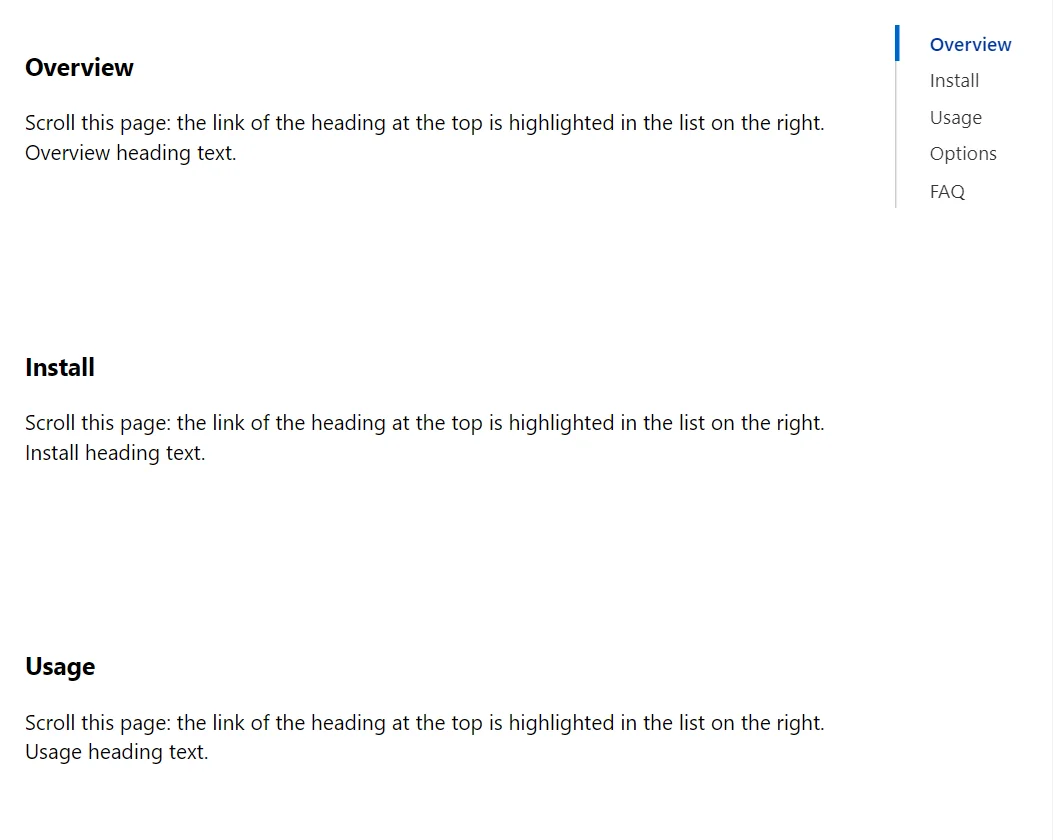
Example
<div style="display:flex;align-items:flex-start;gap:1.5rem">
    <div id="spy-demo" style="flex:1;min-width:0">
        @foreach (var heading in new[] { "Overview", "Install", "Usage", "Options", "FAQ" })
        {
            <h3 id="spy-@heading.ToLowerInvariant()">@heading</h3>
            <p style="min-height:9rem">Scroll this page: the link of the heading at the top is highlighted in the list on the right. @heading heading text.</p>
        }
    </div>
    <ScrollSpy Selector="#spy-demo h3[id]" Offset="120" />
</div>
A short fragment. Add @using RayCraft.Blazor.Components to your page and use an interactive render mode.
Included in RayCraft Free. Working examples are in the GitHub repository (MIT); it holds example and demo code, not the library code.