



Let users reorder a list by dragging, with move buttons for keyboard and touch.
Why it helps
- Drag to reorder
- Buttons for keyboard and touch
- Simple
Where it fits
- Priorities
- Menus
- Steps
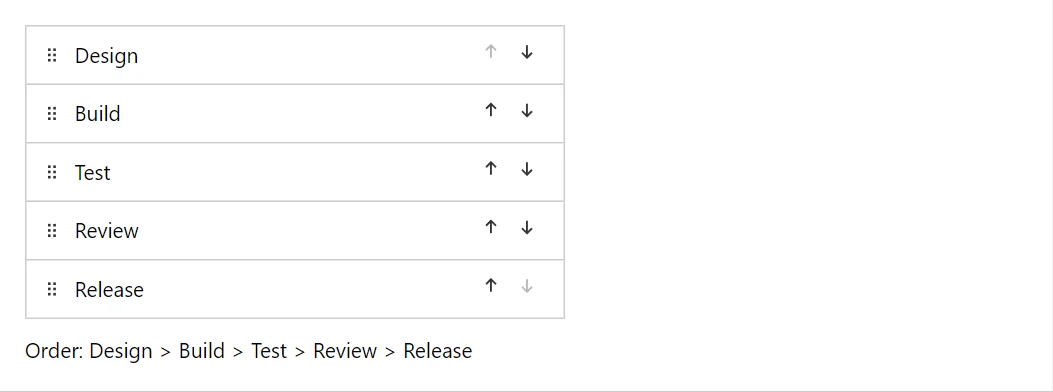
Example
<Sortable TItem="string" Items="_tasks" ItemsChanged="@(items => _tasks = items.ToList())" Label="Tasks">
    <ItemTemplate>@context</ItemTemplate>
</Sortable>
<span>Order: @string.Join(" > ", _tasks)</span>

@code {
    private List<string> _tasks = ["Design", "Build", "Test", "Review", "Release"];
}
A short fragment. Add @using RayCraft.Blazor.Components to your page and use an interactive render mode.
Included in RayCraft Free. Working examples are in the GitHub repository (MIT); it holds example and demo code, not the library code.