



Organize content into panels users switch between with the mouse, touch or the arrow, Home and End keys.
Why it helps
- Keyboard pattern built in
- Closable tabs option
- Accessible
Where it fits
- Detail pages
- Settings
- Dashboards
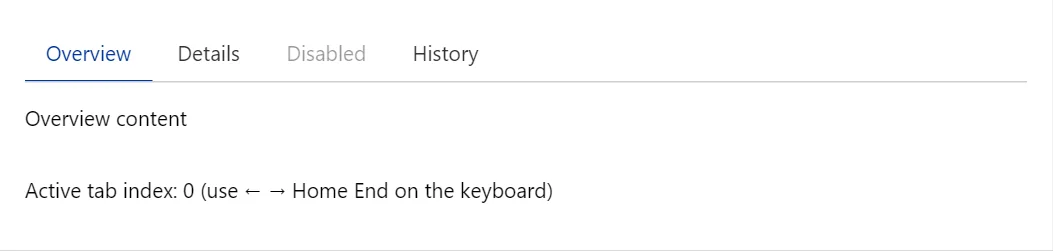
Example
<Tabs @bind-ActiveIndex="_tab">
    <TabPanel Title="Overview">Overview content</TabPanel>
    <TabPanel Title="Details">Details content</TabPanel>
    <TabPanel Title="Disabled" Disabled>Never shown</TabPanel>
    <TabPanel Title="History">History content</TabPanel>
</Tabs>
<p>Active tab index: @_tab (use ← → Home End on the keyboard)</p>

@code {
    private int _tab;
}
A short fragment. Add @using RayCraft.Blazor.Components to your page and use an interactive render mode.
Included in RayCraft Free. Working examples are in the GitHub repository (MIT); it holds example and demo code, not the library code.