



The text box your forms are built on. TextField works with EditForm and data annotations, shows its error message right below the field, and covers single lines, multi-line text, a character counter and a password reveal.
Why it helps
- Validation messages built in
- Multi-line, counter and password options
- Labels and helper texts included
Where it fits
- Sign-in and profile forms
- Comments and descriptions
- Search and filter inputs
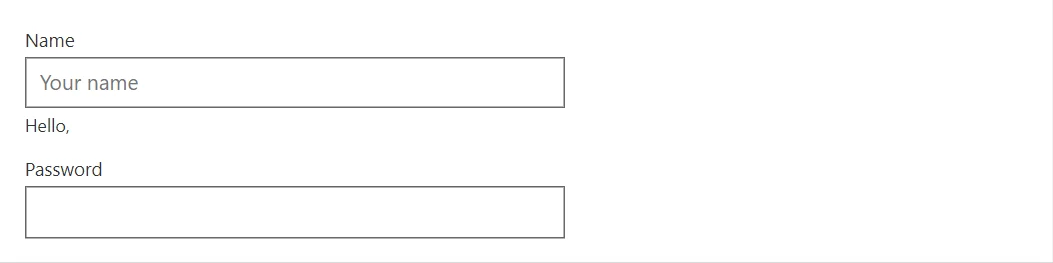
Example
<TextField @bind-Value="_name" Label="Name" Placeholder="Your name" HelperText="@($"Hello, {_name}")" />
<TextField @bind-Value="_password" Label="Password" Type="password" />

@code {
    private string? _name;
    private string? _password;
}
A short fragment. Add @using RayCraft.Blazor.Components to your page and use an interactive render mode.
Included in RayCraft Free. Working examples are in the GitHub repository (MIT); it holds example and demo code, not the library code.