



Tell the story of a record as a vertical sequence of events with a marker, a time and an optional severity color.
Why it helps
- Events in order
- Severity colors
- Clear markers
Where it fits
- Order history
- Case history
- Releases
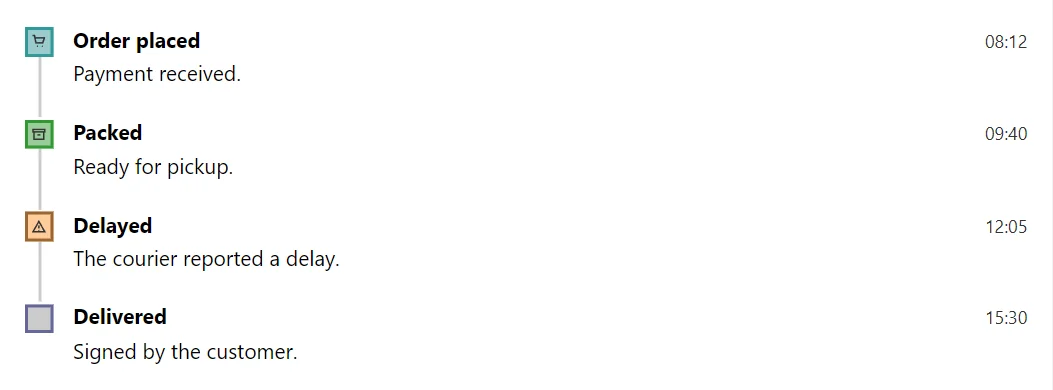
Example
<Timeline>
    <TimelineItem Title="Order placed" Time="08:12" Icon="IconName.Cart" Severity="Severity.Info">Payment received.</TimelineItem>
    <TimelineItem Title="Packed" Time="09:40" Icon="IconName.Archive" Severity="Severity.Success">Ready for pickup.</TimelineItem>
    <TimelineItem Title="Delayed" Time="12:05" Icon="IconName.WarningTriangle" Severity="Severity.Warning">The courier reported a delay.</TimelineItem>
    <TimelineItem Title="Delivered" Time="15:30">Signed by the customer.</TimelineItem>
</Timeline>
A short fragment. Add @using RayCraft.Blazor.Components to your page and use an interactive render mode.
Included in RayCraft Free. Working examples are in the GitHub repository (MIT); it holds example and demo code, not the library code.